
Smart Inventory Pantries: Never Buy a Duplicate Jar of Spices Again
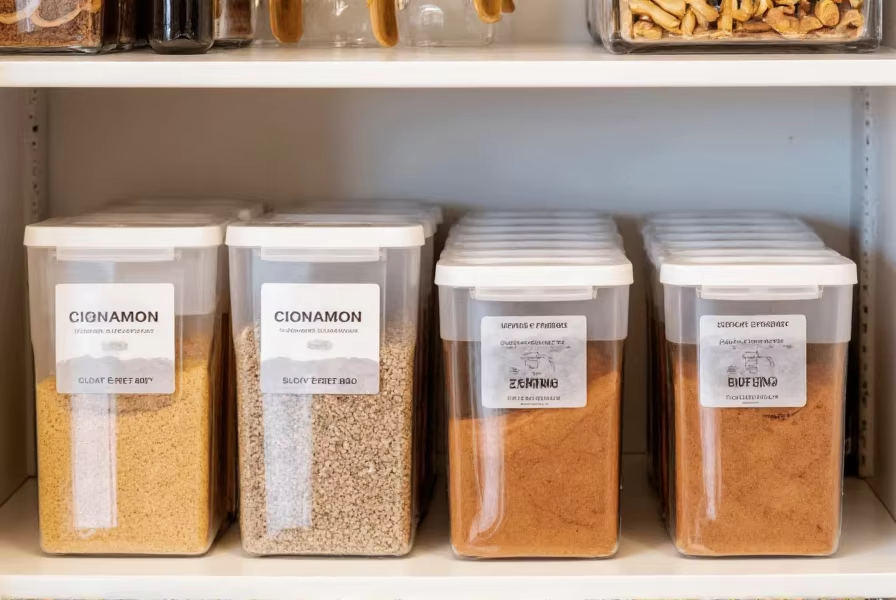
Let me guess.
You went to the grocery store.
You confidently bought paprika.
You came home… opened your pantry… and there it was.
An unopened jar.
Sitting behind another jar.
Next to a third jar.
Now you own four paprikas.
We’ve all been there.
The truth is, most pantry clutter isn’t about overbuying — it’s about not knowing what we already have.
And this is exactly where a Smart Inventory Pantry changes everything.
Today I’m going to walk you through how to build a simple, realistic, real-time tracking pantry system using:
- QR codes
- Your phone
- A free spreadsheet or app
- Zero complicated tech
No coding required.
No expensive smart-home gadgets required.
Just a smarter way to manage what you already own.
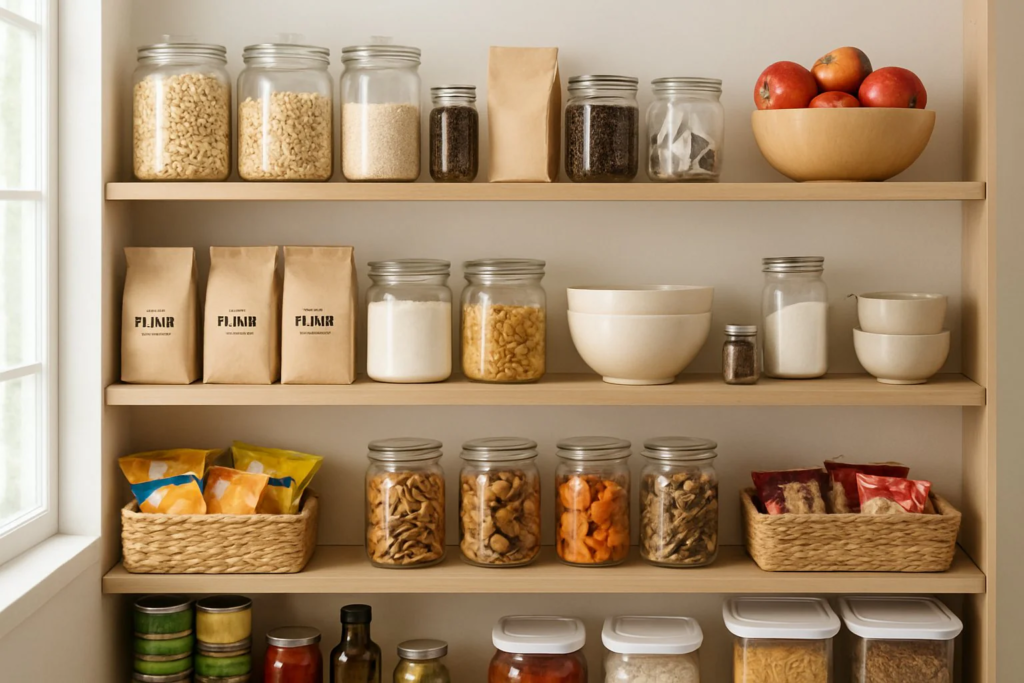
Why Pantry Inventory Problems Happen
Before we build the solution, let’s talk about the real problem.
Pantries become chaotic because:
- Items get pushed to the back
- Spices look identical
- Expiration dates are tiny
- Multiple family members shop
- We “stock up” without checking
And spices are the worst offenders.
They’re small.
They hide easily.
They expire slowly (so you forget them).
So we rebuy them.
Over and over.
A Smart Inventory Pantry isn’t about being obsessive.
It’s about:
- Reducing waste
- Saving money
- Eliminating duplicates
- Making cooking easier
- Feeling organized
And once you set it up, it takes less than 10 seconds per item.
What Is a Smart Inventory Pantry?
It’s a pantry system where:
- Every item is tracked
- You scan when you add something
- You scan when you use it up
- Your phone always shows what you have
Think of it like a mini grocery store inventory system — but simplified for real life.
And no, this is not complicated.
The Three Levels of Smart Pantry Systems
You can choose your level.
Level 1: Simple Digital List
- A Google Sheet or Notes app
- Manually check off items
- No QR codes
Good for beginners.
Level 2: QR Code Tracking (My Favorite)
- Each item has a small QR label
- Scan to mark “in” or “out”
- Updates a live spreadsheet automatically
This is the sweet spot.
Level 3: App-Based Smart Pantry
Apps like:
- Pantry inventory apps
- Grocery tracking apps
- Barcode scanners
More automated — but sometimes less customizable.
If you love home systems and organized spaces (which I know many of you do), Level 2 is the most satisfying.
Let’s build that.
How QR Code Pantry Tracking Works (In Plain English)
Here’s the simple concept:
- Each product type gets a QR code.
- That QR code links to a Google Form.
- The form updates a Google Sheet.
- The sheet automatically adjusts inventory counts.
So when you:
- Add cinnamon → Scan → +1
- Finish cinnamon → Scan → -1
Your sheet always shows the correct number.
You open your phone in the grocery aisle…
Search “cinnamon”…
It says: 2 in stock.
No duplicates.
Step-by-Step: Build Your Smart Inventory Pantry
Let’s go slow and make this simple.
Step 1: Create Your Master Inventory Sheet
Open Google Sheets.
Create columns like:
- Item Name
- Category (Spices, Canned, Baking, Snacks)
- Quantity
- Expiration Date
- Location (Top Shelf, Drawer 2, etc.)
This becomes your central system.
Pro Tip: Keep categories broad. Don’t overcomplicate.
Step 2: Create a Google Form
This is where the magic happens.
Create a form with:
Question 1:
“What item?” (Dropdown list of pantry items)
Question 2:
“Action?”
- Add
- Remove
That’s it.
Connect the form to your Google Sheet.
Now every time you submit the form, it logs activity.
Step 3: Automate the Count (Optional but Powerful)
Using simple formulas like:
=COUNTIF(range,"Add") - COUNTIF(range,"Remove")
You can calculate live inventory totals.
If you don’t like formulas, you can manually adjust quantities weekly.
Still effective.
Step 4: Generate QR Codes
Use any free QR code generator online.
Each QR code links directly to your Google Form.
Print it small (1×1 inch is enough).
Stick it:
- Inside spice cabinet doors
- On pantry shelves
- On storage bins
You only need ONE master QR code for the form.
You don’t need separate codes for every spice unless you want hyper-precision.
Step 5: Make It Effortless
The system only works if it’s friction-free.
So:
- Keep the QR visible
- Don’t hide it
- Make scanning part of your cooking habit
When you finish a jar, scan it immediately.
It takes 3 seconds.
Advanced Option: Individual QR Labels Per Item
If you want next-level organization:
- Create a QR code per spice
- Stick it on the jar bottom
- Scanning auto-fills the item name
This feels futuristic — but still simple.
Best for:
- Large households
- Meal preppers
- Bulk buyers
Smart Spice Organization Tips
Tracking works best when physical organization supports it.
Here’s what helps:
Use Uniform Jars
Clear jars with labels = easy visibility.
Alphabetize
Simple but powerful.
Use Tiered Shelves
No more hidden jars in the back.
Keep Extras in a “Backstock Bin”
Track backstock separately.
Real-Time Tracking Without QR Codes (Even Simpler)
If QR feels overwhelming, try this:
- Keep a shared Google Keep list
- Check off items when empty
- Review list before shopping
Not as automated — but still effective.
Expiration Date Tracking
Here’s where Smart Pantry really shines.
Add expiration dates to your sheet.
Sort by:
- Soonest to expire
Now you can:
- Plan meals around expiring items
- Reduce waste dramatically
This alone can save hundreds per year.
The Financial Impact
Let’s do quick math.
If you:
- Duplicate-buy spices 6 times a year
- Average spice cost: $6
- That’s $36 wasted annually
Add canned goods, baking items, sauces…
You’re easily wasting $150–300 per year.
Smart tracking pays for itself instantly.
Family Integration
If you live with others:
Make it a rule:
“If you open it, scan it.”
You can even:
- Put a small sign inside the pantry
- Make it part of meal cleanup
Kids adapt quickly to QR scanning. Trust me.
The Psychological Benefit
This is deeper than spices.
When you:
- Know what you have
- Eliminate duplicates
- Reduce clutter
You feel in control.
A chaotic pantry creates:
- Decision fatigue
- Frustration while cooking
- Guilt over expired food
A smart pantry creates:
- Confidence
- Clarity
- Calm
It’s not about being extreme.
It’s about intentional living.
Is This Overkill?
Only if you never waste food.
If your pantry is already perfect, ignore this.
But if you:
- Toss expired items
- Buy duplicates
- Feel stressed searching for ingredients
Then this system is practical — not obsessive.
Who Should Definitely Try This
- Large families
- Costco bulk shoppers
- Meal preppers
- Busy professionals
- Anyone working toward minimalism
- Anyone tracking grocery budgets
Bonus: Smart Pantry + Hidden Charging Drawer Combo
If you loved the hidden charging hub idea, imagine pairing it with this.
A clean kitchen:
- No cable clutter
- No duplicate spices
- No chaos
Just systems working quietly behind the scenes.
That’s what smart homes actually are.
Not flashy gadgets.
Just thoughtful design.
Mistakes to Avoid
❌ Making it too complicated
❌ Tracking every grain of rice
❌ Ignoring the system after a week
❌ Not involving household members
❌ Forgetting to update
Keep it simple.
Start with spices only.
Then expand.
How to Start Today (In 30 Minutes)
Here’s your quick plan:
- Clean out spice cabinet.
- Toss expired items.
- Create Google Sheet.
- Create Google Form.
- Generate QR code.
- Stick QR inside cabinet.
- Start scanning today.
Done.
Final Thoughts: Smart Doesn’t Mean Complicated
We often think “smart home” means:
- Voice assistants
- Expensive sensors
- Automated lighting
But real smart living is simpler.
It’s about:
- Reducing waste
- Eliminating frustration
- Designing systems that work quietly
And once you stop buying duplicate cumin, turmeric, and chili powder…
You’ll wonder why you didn’t do this sooner.